Draw on top of everything
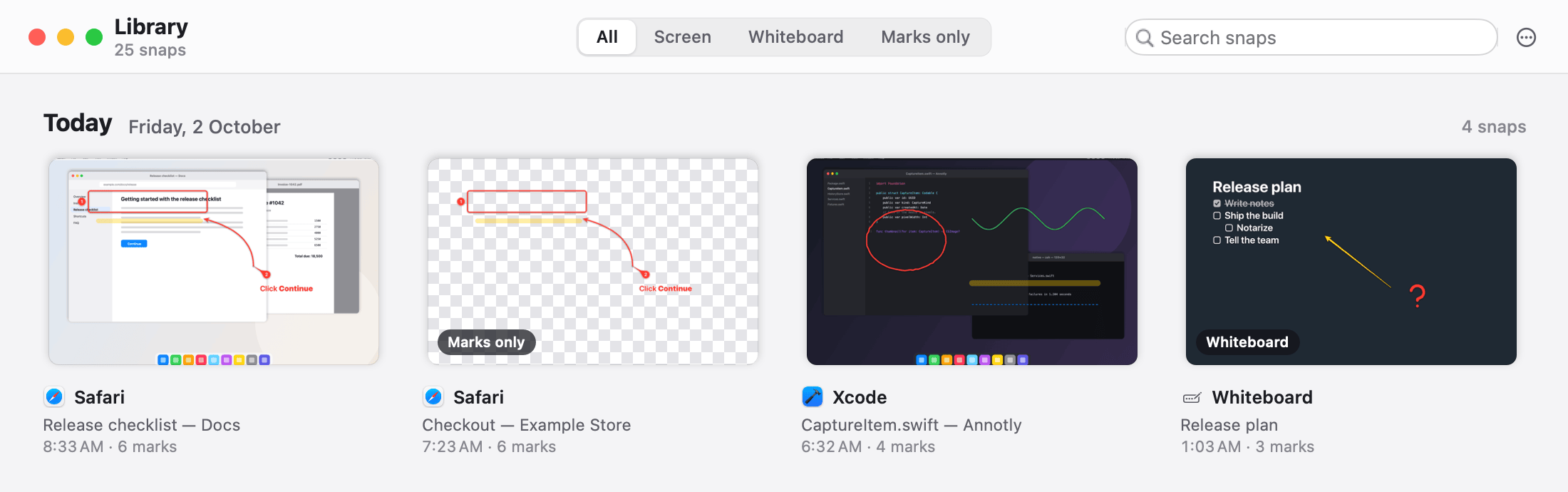
Press ⌃⌥D and the whole screen becomes a sheet of glass you can draw on: slides, code, a browser, a document. A small bar holds the tools, and every tool has a one-letter key.
- Pen F, highlighter H, line L and arrow A: straight, curved, double-headed or dashed.
- Number badges N count up as you click, and the rest renumber when you delete one.
- Marks get a soft edge so they stay readable on light screens, dark screens and photos.
- W puts a board behind the ink for a quick sketch; your screen marks wait underneath.
- Esc, ⌃⌥D, the menu-bar item or ⌘Q gets you out.